Disposable Vape Light Blinking While Charging: The Decoder
Here is the honest answer first: a disposable that blinks while it is plugged in is usually doing one of two opposite things. On many devices the blinking light is the charging light, and it settles, changes, or switches off when the battery is full. On others, blinking on the charger is the battery reporting that it is empty, faulty, or not actually taking a charge. Both readings are real. That is why the guides contradict each other, and why nobody can hand you one universal blink chart: the makers never standardized one.
So this decoder works the way the light actually works. Start with the situation, then the pattern, then the brand. There is also one test, further down, that settles the charging question in about thirty minutes on any device.
Table of Contents
Start With the Situation
A blink count or a color means nothing until you know when it happened. There are three situations, and they lead to three different sections of this guide:
Plugged in and blinking: a charging indicator, or a charging fault. The next section settles which.
Blinking when you draw: battery, the puff cutoff, or a connection the device cannot read.
Blinking on its own, untouched on the table: the most serious of the three. That one is a fault report until proven otherwise.
The same red blink is routine on the charger and a low battery warning in the middle of a draw. Keep the situation attached to the signal and most of the confusion in the other guides disappears.
Blinking While Charging: Normal or Fault?
On a large share of current disposables and pen batteries, a flashing light on the charger is simply the design. The light pulses while current flows and goes solid, changes color, or switches off at full. If yours behaves like that and then vapes normally, nothing was ever wrong, whatever a forum told you.
The fault version looks different: the blinking never settles. Hours on the charger, still blinking, and afterwards the device will not fire or dies within a few puffs. That pattern means the battery is not holding a charge, the cable or port is not delivering one, or the cell is finished.
The 30-minute test
Plug the device into a cable and a low-power source you know works: a laptop port or a plain 5V/1A adapter, not a fast phone charger. If the port looks dusty, clear it gently first. Wait thirty minutes, unplug, and take a draw. Three outcomes:
The light went solid or switched off, and it hits properly: it was charging. Done.
The light is still blinking but it hits properly: this model blinks by design while charging, and it just proved it can hold a charge. Also done.
Still blinking, and the hits are weak or absent: a charging fault. The cable, the port, or the battery itself is not doing its job.
If you land on the third outcome, work through the full charging fault ladder: cables, ports and the dead-verdict rule before you give up on the device. It was written for brand new devices, but the ladder is the same at any age.
One color note before the tables: red on the charger is the most common charging color there is. Red while plugged in, by itself, is not a warning. Red while you draw is a different message entirely, which is exactly the trap the situation-first approach avoids.
The Blink Counts, Honestly
Below is what each count most commonly means across the major guides and maker pages, with the disagreements printed in their own column instead of smoothed over. Treat the first column as the best first guess, not a promise. Ten blinks is the only count the whole field agrees on.
Blinks | Most common meaning | Also reported as | Your first move |
3 | Connection problem: the device cannot read the coil or cartridge properly, or there is a short | Low battery | Reseat the pod or cartridge, clean the contacts, then charge |
5 | You hit the draw cutoff (most pens end a puff at around 10 seconds), or the liquid is running low | Low battery | Rest it for a minute and take a shorter draw; check the liquid level |
10 | Battery empty or nearly empty; the one count every guide agrees on | Short circuit or overheating protection on some pen batteries | Charge it fully; if it still blinks 10 after a full charge, it is finished |
15 | Battery exhausted; on a disposable this usually means finished | Simply low and rechargeable (a weaker claim from one manufacturer) | One honest full-charge attempt; if it repeats, replace the device |
20 | Low battery | Connection fault, or empty liquid | Charge first, reseat second; if both fail, replace |
Speed carries meaning too. Slow, regular flashing is almost always power-related. Fast flashing when you first use a device can be normal activation behavior. Continuous flashing that will not stop at all is an internal fault signal, and it belongs in the idle section below, not in this table.
The Colors, by Situation
Color without situation is how the weak guides mislead people. A green light is the finish line on one device and the starting gun on another:
Color | While charging | While you draw |
Red | Normal on many devices: charging in progress | Low battery. In one maker’s published scheme, red means under roughly 30 percent |
Green | Fully charged on most devices: unplug it | Healthy, near-full charge on pens that show levels. Exception: on Foger screen devices a flashing green bolt means charging, not full |
White | On the JUUL charging case: flashing white is charging, solid white is full (JUUL’s own support wording) | A fault or power warning on several brands; white has no standard meaning here |
Blue | Varies by brand; there is no safe general reading | Medium charge, roughly a third or more, on pens with a three-color level scheme; brand-specific elsewhere |
If your device’s color refuses to match this table, do not force it. Trust the brand notes in the next sections over any general table, including this one.
Blinking When You Hit It
Three causes cover nearly every case, and they are easy to tell apart:
It blinks at the end of a long draw, then works again a moment later: the cutoff. The device ended the puff to protect the coil. Take shorter draws with small pauses between them.
It blinks instead of firing, and the device has some days of use behind it: the battery. Charge it. On a non-rechargeable disposable that keeps doing this, the device is done.
It blinks the instant you draw, even on a charged battery: the connection. The device cannot read its coil or cartridge, so it refuses to fire.
Blink decoded but the device still will not produce vapor? The light is only the messenger. Work through the complete diagnosis for a vape that is not hitting, which starts from the symptom and checks airflow, charge and liquid in order.
Blinking On Its Own
A device that blinks untouched, sitting on the table, is not asking politely for a charge. It is reporting a fault, or a battery at the very end of its life. One major maker’s own guide treats steady, continuous flashing as a serious internal malfunction and tells you to stop using the device, and that is the right instinct.
The practical rule: give it one honest charge cycle on a cable and source you have proven with the 30-minute test. If the idle blinking continues afterwards, retire it. Do not open a disposable to investigate; there is nothing inside that you can service, and the battery is the one part you should never disturb.
Brand Notes
JUUL: white is a whole language
JUUL’s own support pages make the cleanest case for why color means nothing without the brand. The JUUL charging case flashes white while it is charging, shows solid white when it is full, and blinks white when its own battery runs low. The device itself sits solid white on its USB dock while charging and shows green when fully charged, and a red blink is its low battery warning. Same color family, four different messages, one brand.
Foger and screen devices: there is no official chart
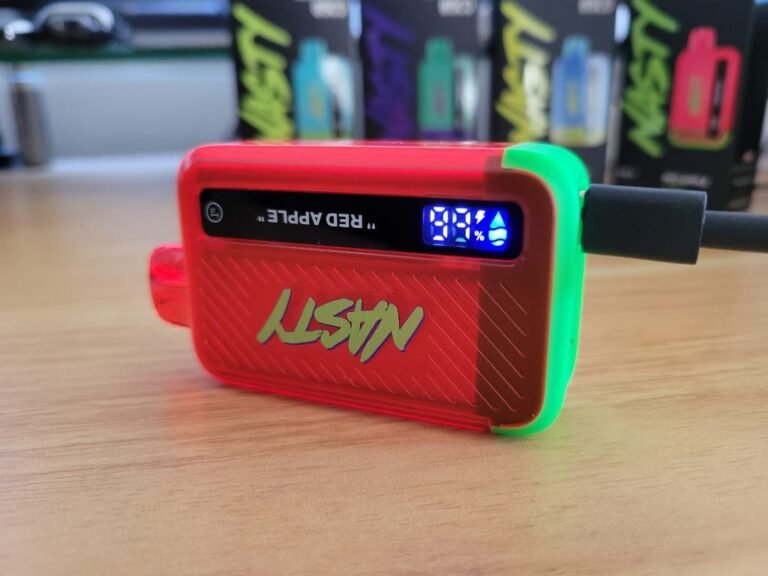
Be skeptical of any exact Foger blink code you read, because Foger does not publish one. The brand’s own product pages list screen and battery specifications and nothing more. What retailer guides consistently report for the Switch Pro is this: the green lightning bolt beside the percentage means the dock battery is charging from the cable, a small green battery icon means the dock is topping up the pod’s own small cell, and 188 on the screen means the pod is empty or not detected. Treat those as well-supported reports, not maker documentation.
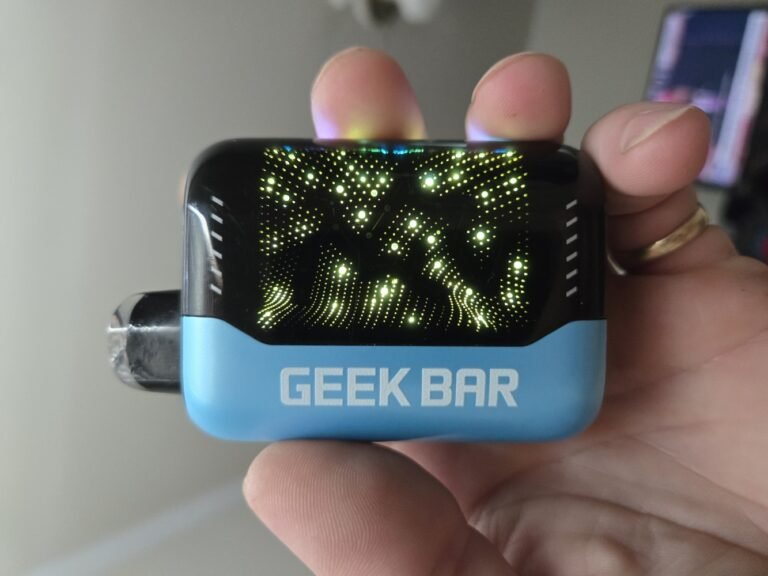
Foger does state one thing plainly: the device shows no light when you puff. So on a Foger, flashing during a draw is a warning, not a display quirk. More broadly, the newest disposables have screens now, and screens have mostly replaced blink codes with percentages and icons. On those devices, read the icons and ignore the flash counting entirely.
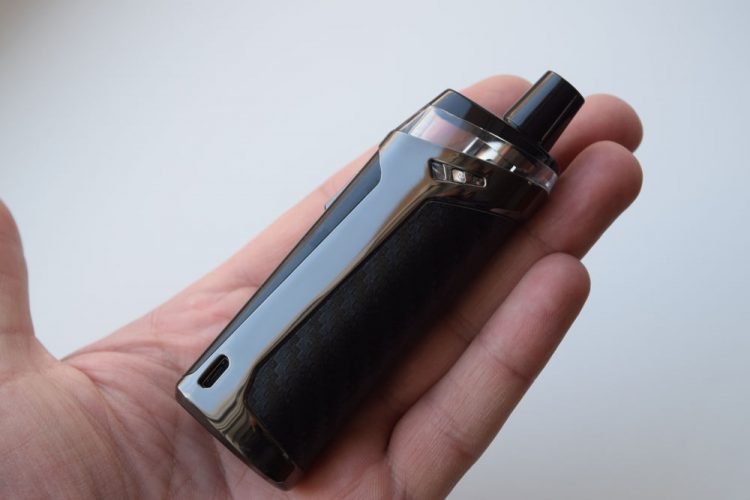
Pen batteries (510 thread)
The counts table above already carries the pen battery codes, but two are worth stating plainly. Three blinks the moment you press the button, on a charged battery, is the classic cartridge-not-detected signal. And ten blinks is so reliably the dead battery signal on pen batteries that one manufacturer built its entire troubleshooting guide around that single count.
Fixable or Finished?
Run your pattern against this rule:
Fixable: it charges until the light goes solid or switches off, and then it hits normally.
Fixable: it only ever blinked at the end of long draws. That was the cutoff doing its job.
Finished: after 30 to 60 minutes on a proven cable and a low-power source, it blinks the same way and produces weak or no vapor.
Finished: it blinks on its own, untouched, even after a full charge attempt.
On a disposable, finished means finished. Do not open it, and do not wire it to a charger it was never built for. That advice genuinely circulates in forum answers to this exact question, and it is how small lithium cells get shorted. A dead disposable is a recycling trip, not a project.
The Safety Stop
One pattern outranks every code in this guide. If the device is hot, swelling, smells sweet or chemical when it should not, or is leaking, stop decoding and do this instead: unplug it, set it on a non-flammable surface away from people, bedding and curtains, do not charge it again, do not carry it in a pocket, and do not puncture or open it. Once it has cooled and stayed cool, take it to a battery recycling point. Almost no guide in the top ten spells this protocol out, and it matters more than any blink count on this page.
FAQs
How do I know if my disposable vape is charging?
Watch what the light does over thirty minutes on a source you trust. Blinking that settles to solid, changes color, or switches off means charge is going in; confirm it with a draw afterwards. If the light never changes and the device stays weak, it is not charging, whatever the light appears to be doing.
Why is my vape blinking white?
On JUUL’s charging case, white is the charging language: flashing means charging, solid means full, blinking means the case battery is low. On several other brands a flashing white light is a power fault instead. White has no universal meaning, so match it against the brand notes above before you act.
Why does my disposable vape keep blinking?
Match the blink to its situation first. On the charger and never settling means a charge is not landing, or the cell is done. While drawing means battery, cutoff, or connection. Untouched on the table means a fault. The counts table then narrows it to a first move.
Does blinking mean my vape is empty?
Sometimes. Five and fifteen blinks are reported as liquid-out signals on some devices, and an empty device with a live battery will blink instead of firing. But blinking is battery language first, so check the liquid window or tank before you conclude the device is empty.
Why does my vape blink when I try to hit it?
The three usual causes are an empty battery, the draw cutoff after a long puff, and a connection the device cannot read. Work them in that order: charge it, rest it, then reseat and clean the contacts.